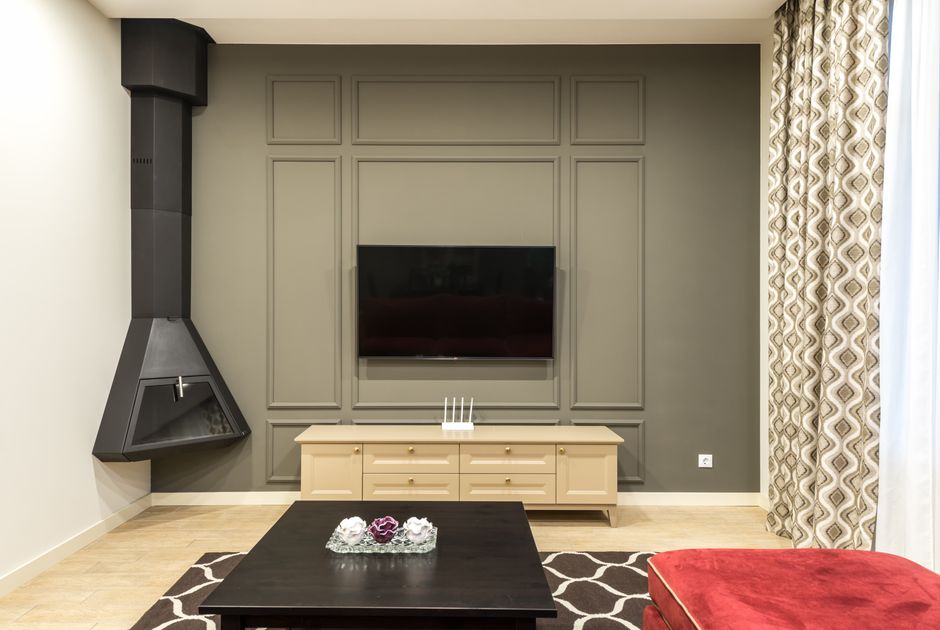
Your 65-inch TV is mounted perfectly, but the console underneath is only 48 inches wide. The speakers hang over the edges, the game console has nowhere to go, and six black cables spill across the wall. That mistake usually starts with buying for appearance before measuring the equipment.
Why TV stand size matters more than the screen size
A television’s diagonal measurement tells you almost nothing about the console you need. A 65-inch TV may be about 57 inches wide, but the stand also needs room for a soundbar, a center speaker, remote controls and safe ventilation. The console should look wider than the screen. For most rooms, 4 to 12 inches of extra width on each side creates a balanced shape and reduces the chance of bumping the panel.
Measure the equipment footprint, not just the television
Measure the TV width, the width and depth of the soundbar, and the depth of every device that will sit inside or on the console. Add at least 2 inches behind equipment for plugs and airflow. If a gaming console is 13 inches deep, a 14-inch-deep shelf will be frustrating once the power cable is attached. A 16- to 18-inch internal depth is safer.
Height matters too. The center of the screen should sit close to eye level from the main seat. For a sofa with a 17-inch seat height, a low console that places the screen center roughly 40 to 44 inches from the floor often feels more natural than a tall cabinet. A stand that is too high forces the neck upward for every movie.
Leave clearance for sound, heat and movement
Do not treat a closed cabinet as free storage. Receivers, game consoles and streaming boxes release heat. Give each device open space around its vents and avoid sealing a hot receiver into a narrow compartment. A stand with rear openings also makes HDMI changes less painful.
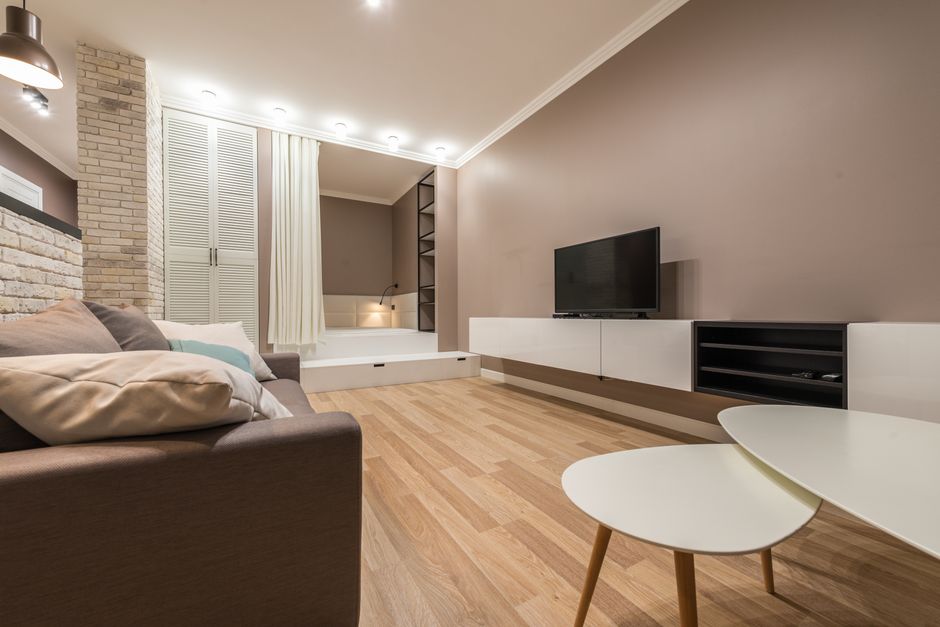
For a 65-inch television, my clear starting point is a console at least 70 inches wide, 16 inches deep and 20 to 28 inches high. For a 75-inch set, 80 inches of width is safer. Those are buying targets, not laws, but they prevent the most expensive visual and practical errors.
Which TV stands offer the best mix of width, storage and cable access?
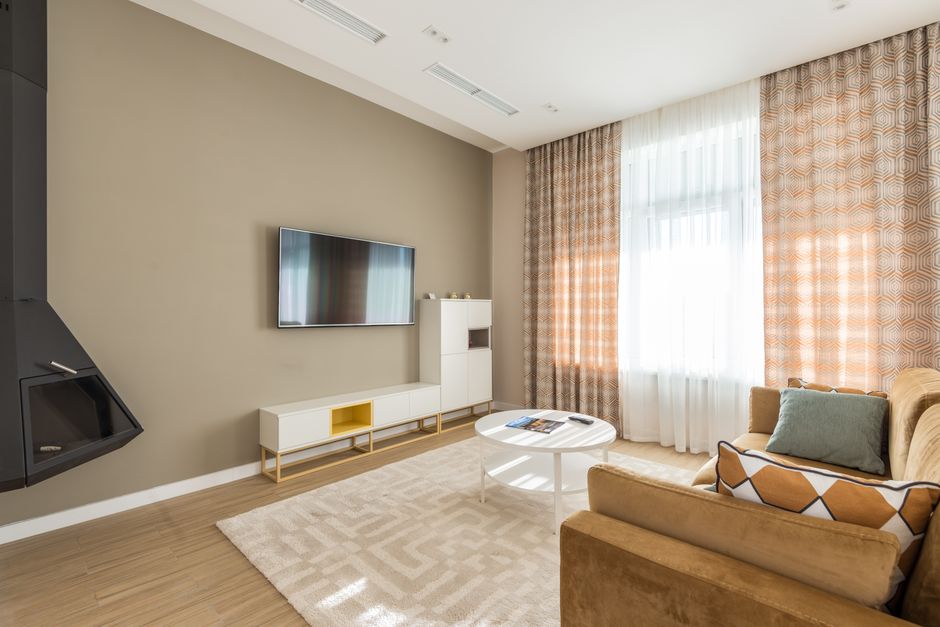
The table below compares real models by their published dimensions and design. Prices change by retailer, finish and delivery charge, so the dimensions matter more than a temporary sale sticker.
| Model | Published size | Best use | Main tradeoff |
|---|---|---|---|
| IKEA BESTÅ TV bench | About 70 7/8 in W x 15 3/4 in D x 15 3/4 in H | Low profile rooms and modular storage | Shallow depth limits large receivers |
| Walker Edison Farmhouse TV Stand | About 58 in W x 15 3/4 in D x 24 in H | Smaller rooms and TVs up to roughly 65 in | Less width for wide soundbars |
| BDI Corridor 8175 | About 72 1/4 in W x 20 in D x 23 1/4 in H | Home theater systems and hidden equipment | Premium pricing and heavier construction |
| Salamander Designs Chameleon Madrid 247 | About 71 1/2 in W x 20 in D x 24 in H | Component storage with ventilated doors | Costs more than basic flat-pack furniture |
Choose the winner by room and equipment
For a compact living room, the IKEA BESTÅ wins because its low height and modular parts make it easier to fit around a wall. For a receiver, game console and center speaker, the BDI Corridor 8175 is the stronger choice because its deeper cabinet and ventilation solve problems that cheaper stands often ignore. The Walker Edison is the value pick for a basic TV setup, but its 58-inch width is too tight for a wide 65-inch screen with speakers on both sides.
Bottom Line: For most 65-inch TV owners, the BDI Corridor 8175 is the best functional choice, while the IKEA BESTÅ is the better pick when low height and flexible storage matter more than deep components.
Five cable-management checks to make before placing an order
Cable clutter is not caused by having too many devices. It usually comes from buying a stand without a route for power, HDMI and network cables. Use this checklist before checkout.
- Count every cable. List the television power cord, soundbar cable, streaming cable, console cable, antenna or network cable, and any charging leads. A stand with one small rear opening may not handle all of them.
- Check the wall outlet location. If the outlet sits directly behind the center of the stand, a deep cabinet may push the furniture forward. A side outlet can make a rear channel more useful than a central hole.
- Separate power from signal cables. Keep HDMI and Ethernet away from a crowded power strip when possible. The goal is not magic interference protection; it is easier troubleshooting and cleaner routing.
- Plan for future devices. Leave one shelf or cable path open. A console that fits today may not fit after a soundbar, game console or streaming box is added.
- Confirm ventilation openings. Cable holes should not double as the only air path for a hot receiver. Look for front-to-back airflow or open-back shelving.
The most common mistake is hiding a power strip inside a closed drawer. That traps heat and makes the switch impossible to reach. Mount the strip to the rear panel or place it in an open section where you can unplug equipment quickly.
Do not pay extra for the phrase “cable management” alone. It can mean one small hole drilled through the back. A useful system has a wide rear channel, removable panels, enough clearance for angled plugs and a route from each shelf to the wall outlet.
My strongest recommendation: buy for the next device, not the current setup
Buy a stand with 20% more storage than you need today. Empty space is cheaper than replacing a console after adding a soundbar, a receiver or a second game system. Furniture is difficult to return once assembled, and delivery fees can erase the original discount.
Here are the failure modes I would reject immediately:
- A stand is exactly the same width as the TV. It looks cramped and leaves no room for speakers.
- The shelves are narrower than the equipment depth. Plugs and ventilation will become daily annoyances.
- The cabinet doors block infrared signals. You will need to leave them open or buy an extender.
- The rear panel is solid around the equipment bays. Heat builds up and cable swaps become a chore.
- The top has no stated weight limit. A heavy television can make an attractive bargain a poor risk.
- The unit is wall-mounted without checking stud spacing and the combined weight of the TV and console.
When not to buy a traditional TV stand? Skip it if the room already has built-in cabinetry, if children can pull on low furniture, or if you plan to mount the television and keep all equipment in a nearby closet. In those cases, a narrow shelf, wall-mounted cabinet or dedicated equipment rack can use less floor space.
Financing deserves the same skepticism as the furniture claims. A store promotion may show 0% APR for 6 to 12 months, while the standard rate after the promotion can sit around 24.99% to 35.99% APR. Annual fees may range from $0 to $99. A low monthly payment does not prove a low total cost. This is not financial advice; read the full financing terms before putting a console on credit.
TV stand questions that prevent an expensive mismatch
How wide should a TV stand be for a 65-inch TV?
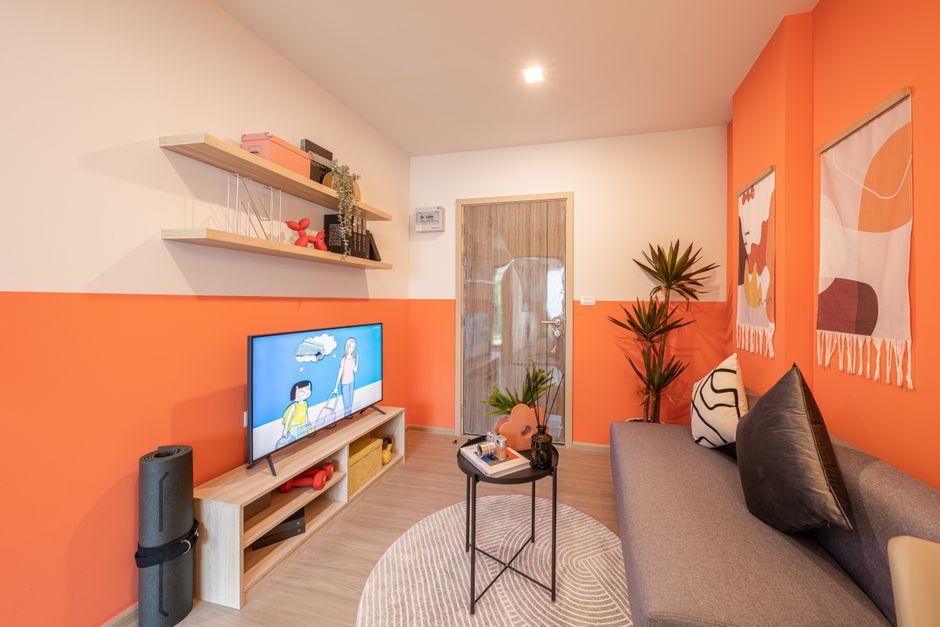
Start with a stand at least 70 inches wide. That gives a typical 65-inch television several inches of visual breathing room on each side. Go wider if you use external speakers, a center channel or decorative storage. A 58-inch console can hold some 65-inch TVs, but it will look tight and leave little room for equipment.
Should a media console be deeper than the TV?
The console should be deep enough for the deepest device plus cable clearance. For a standard streaming setup, 14 to 16 inches may work. For an AV receiver or game console with rear plugs, choose 18 to 20 inches. The television itself does not set the required depth; the equipment does.
Is open shelving better than closed storage?
Open shelving wins for heat and easy access. Closed storage wins for hiding clutter, but only when the cabinet has ventilation and an infrared-friendly door. For a receiver or several consoles, use ventilated doors or open shelves. For a streaming box and a game controller, one closed compartment is fine.
Return to the opening room with the 65-inch TV and the undersized 48-inch console. The fix is not a more expensive television or a decorative basket. It is a stand at least 70 inches wide, deep enough for the equipment, and built with a real cable path. Measure first, reserve space for the next device, and the finished wall will look intentional instead of patched together.